



Starting with Umbraco
 Umbraco is a CMS(Content Management System) made in .NET framework. It makes use of C# MVC at the backend while in its latest version(v7), it uses AngularJS in its front end. It is Open-Source in nature, but for premium services, Umbraco does charge. You can check the details here. Umbraco helps the developers to develop responsive websites within a very short period of time and with almost negligible coding.
 So let’s get into setting-up Umbraco:
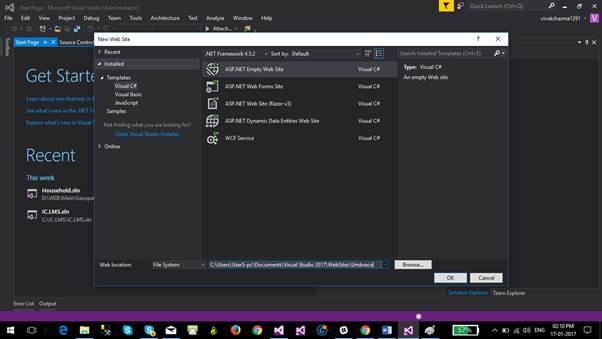
Step 1: Open Visual Studio and create a new empty website.
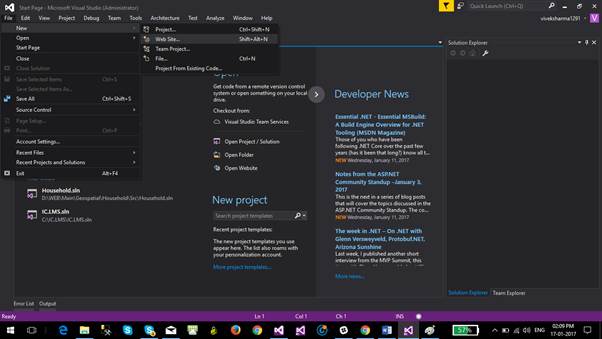
Select the ASP.Net empty web template.
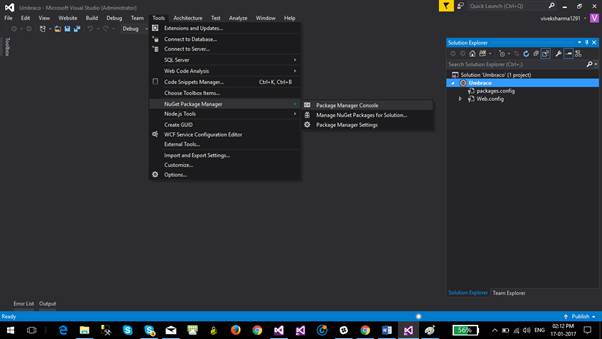
Step 2: Open Nuget Manager Console.
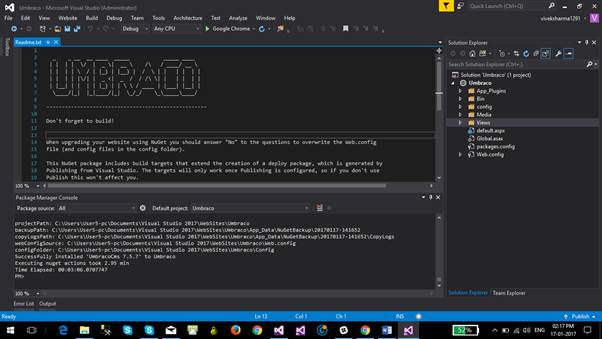
Enter command: Install-Package UmbracoCms
This command will install the Umbraco template in Visual Studio within a couple of minutes.
Step 3: Run the solution. A form will get opened in browser.
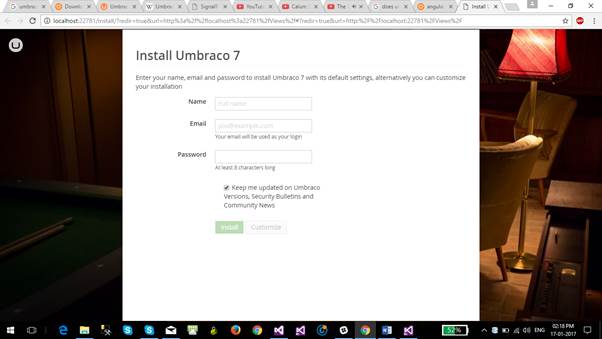
Fill the form and click on customize.
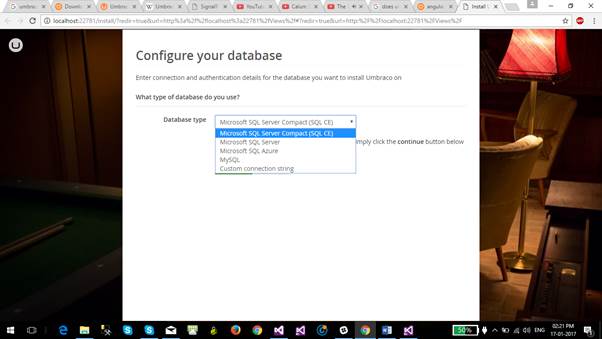
Step 4: Configure your database. I am choosing my local SQL Server.
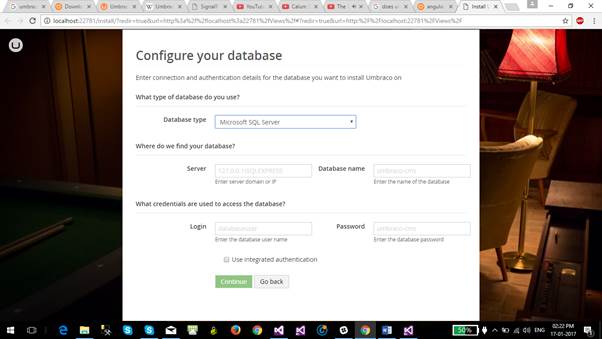
After entering the credentials and database name for the server, click Continue.
Step 5: Next page will display
basic 3 templates/starter kits. Choose any one of them. Or you can also install default/3rd party starter kit later from the CMS portal.
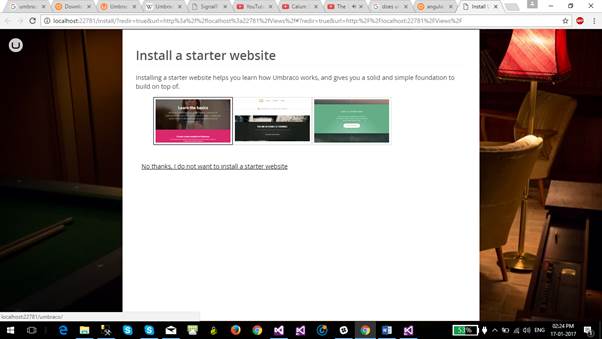
Umbraco will start setting itself up after selection of template.

The main page after setup will look like this:
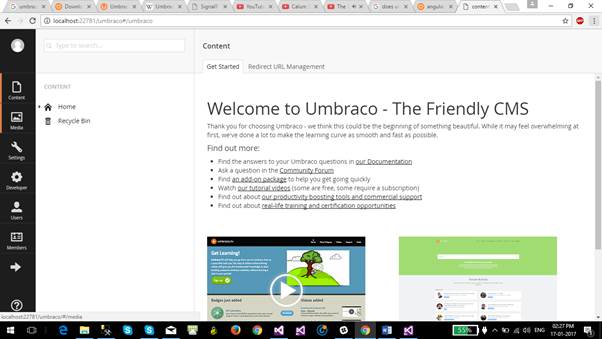
The Umbraco has been now setup successfully. Any changes to the website can be easily made from this CMS. How to proceed further with the changes will be covered in our upcoming blogs.
Stay Tuned!!!