

table of content


Montaz – AI-Powered Photo Editing App Development
Project Overview
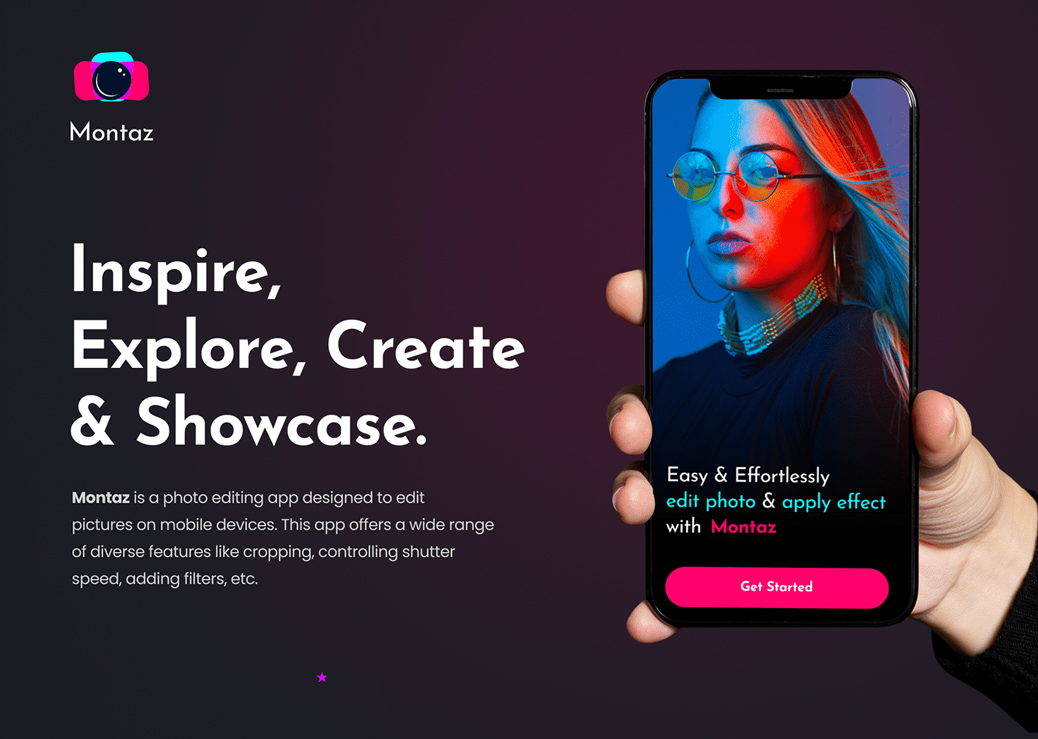
Montaz Photo – a photo editing with tools to add filters and various effects, with social network integration. The app is free to use and offers in-app purchases of stickers and other graphic elements.
Picsart has a great set of tools, features, and features such as AI photo effects, stickers, text overlays, and backgrounds to enhance your photos. Picsart offers multiple video-editing features to assist the business owners to create innovative imagery – without being heavy on their pockets.
 The Problem
 The Solution
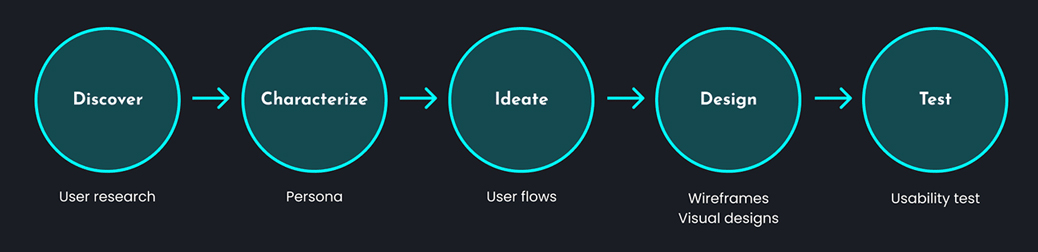
Design Process

User Persona
Frustration
- Takes too much time to edit an image
- Have a subscription system to use advanced filters that is too costly
Goals
- Need pre-recommended filters that can enhance the image automatically
- Want to use advanced filters for enhancing images
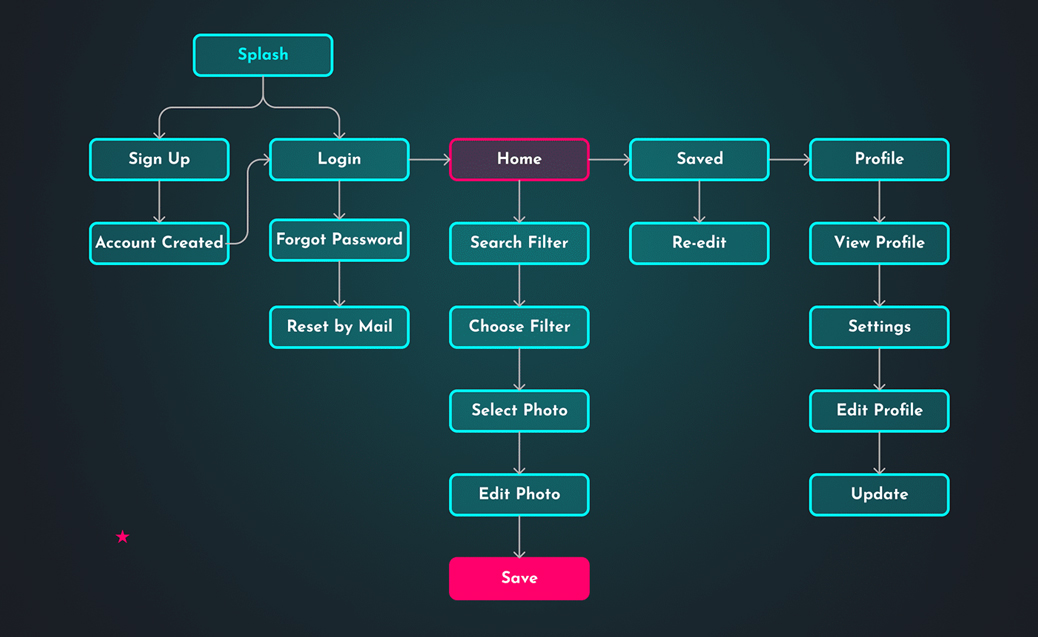
User Flow
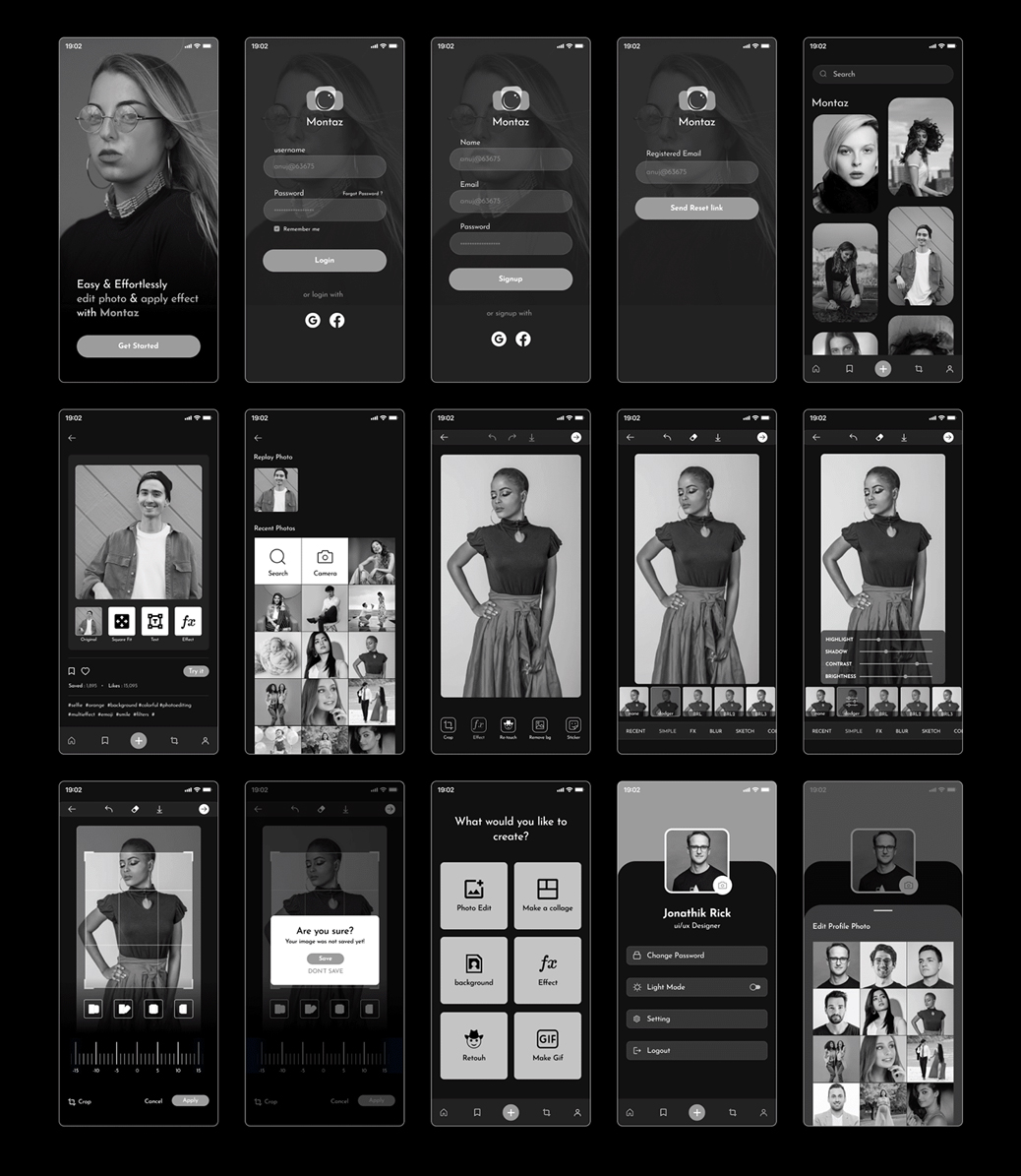
Wireframes
Free Icons Set
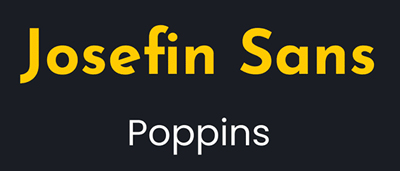
Color Style

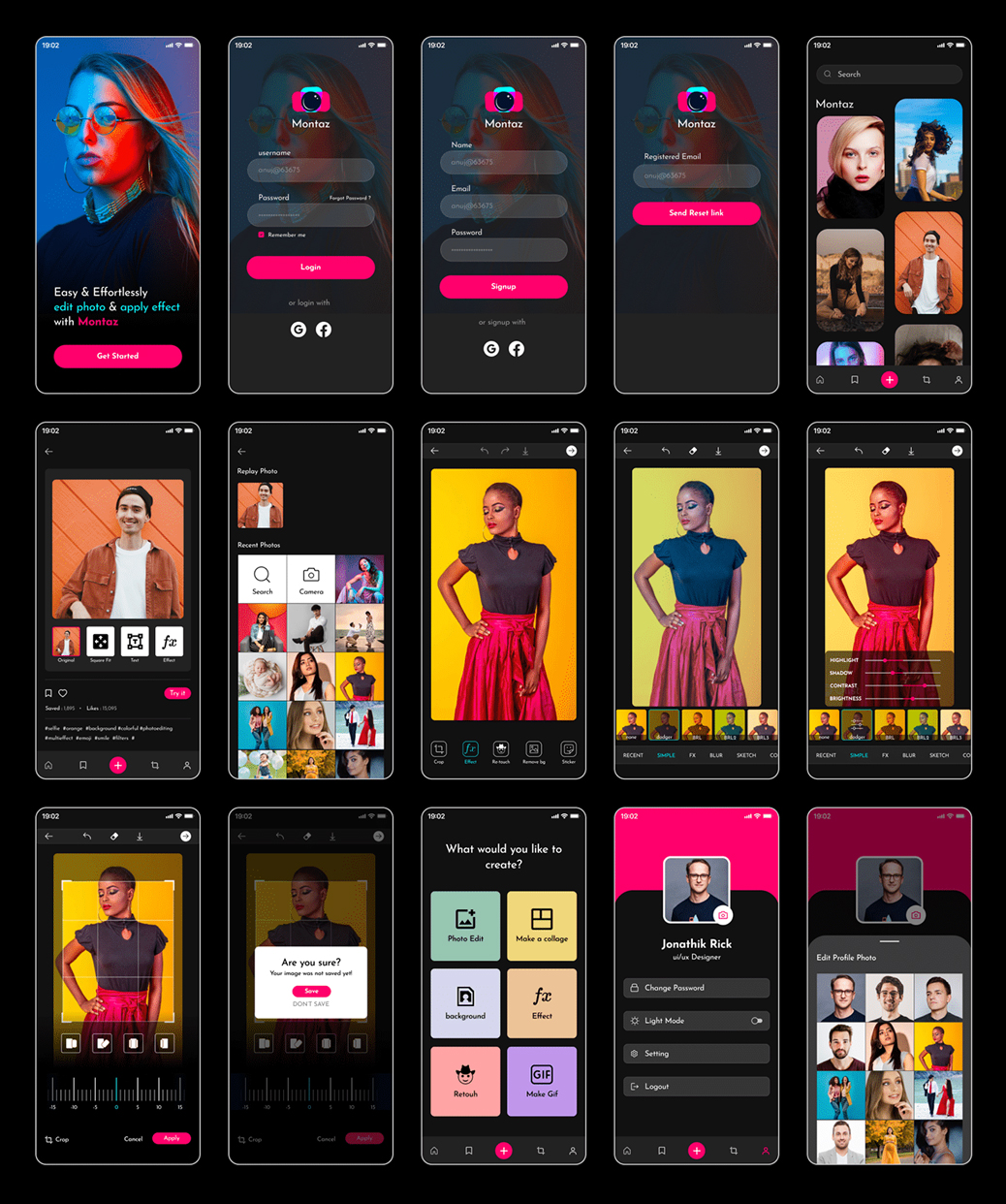
Final UI
Related apps and software: Adobe Photoshop Express, Lightroom Mobile, Snapseed, VSCO, PicsArt, Prisma, Afterlight, Facetune, Pixlr, Remini
Related keywords: Best free photo editing apps for Android and iOS, Top photo filter apps for stunning Instagram pictures, AI-powered photo editing apps for professional retouching, Photo enhancement apps to improve image quality, Easy-to-use photo editing apps for beginners
Create stunning designs with Montaz Photo awesome suite of features
- Image Montage. Mix images that tell a story in masterful photomontages
- Brighten Image. Effortlessly enhance and brighten your images
- Image Enhance
- Flip Image
- Tools to adjust White Balance
- Artificially Expand the borders of your image
- Add filters and manipulate the coloring of your photo (Drama, HDR Scape, Retrolux, Grunge, etc.)
- Artificially create Lens Blur
- Add Text or a Vignette/Frame
- Create a Double Exposure shot
Get in touch with us and develop the best and most efficient Montaz Photo.